
Real aim, real skill
Manual aiming with adjustable aim assist. Zoom in with the scope, land the headshot and watch time slow down.

Zombie survival shooter · iOS & Android
The city is gone. One road forward, a weapon in your hands and an endless horde in the way. Fight through four ruined cities, take down mutant bosses and push farther every run.
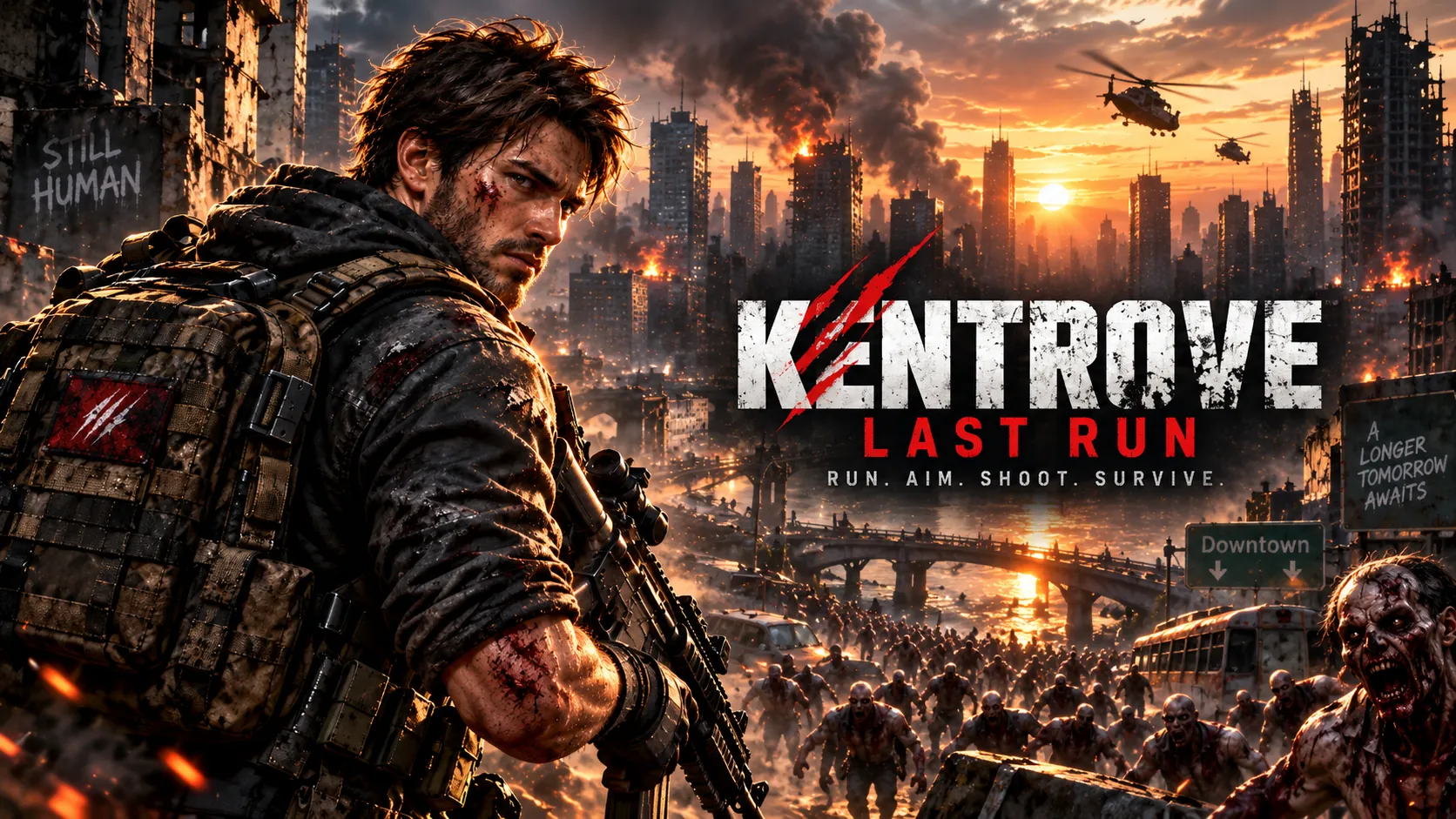

“Still human. For now.”
The game
A real-time 3D, third-person zombie shooter built for phones. You control every step and every shot — steer through wreckage, line up headshots and pick the upgrades that carry you through the next wave. Every run earns coins that make your arsenal stronger, so the next one goes deeper.
Features
Console-style action, tuned for two thumbs and short sessions.
Manual aiming with adjustable aim assist. Zoom in with the scope, land the headshot and watch time slow down.
Pistol, SMG, shotgun, assault rifle, minigun and rocket launcher — plus grenades. Swap mid-run to fit the fight.
Charge the Storm as you fight, then unleash a chain of lightning that tears through the whole horde.
The Brute, the Spore Queen and the Warden stand between you and the next district. Learn their attacks to survive.
Level up weapons, armor and tactical training in the Armory. Unlock survivors and outfits with coins you earn — never with real money.
Daily missions, personal records and Game Center / Google Play Games leaderboards for distance, kills and survival time.
Screenshots
Captured from the game. Tap any image to view it full screen.
Player guide
New to Kentrove? Here's everything you need for your first run and beyond.
Download free from the App Store or Google Play. No account or sign-up — just open and play.
Your first run is a guided training that lights up each control one at a time. Replay it anytime from Settings.
On Home, check your starting city and equipped weapon, then hit the big RUN button.
Left thumb moves. Right thumb aims and fires. Jump and slide past wreckage while you shoot.
Spend coins in the Armory, complete missions and run again. Every run takes you further.
Hover or tap a control on the right to find it on screen. Button positions may vary slightly by device.
Touch controls
Left thumb
Right thumb
FAQ
Yes. The game is free to download and play. It's supported by ads, including optional rewarded videos. There are no in-app purchases — everything is unlocked with coins you earn by playing.
Kentrove: Last Run is made for iPhone, iPad and Android phones and tablets. Check the store listing for the minimum OS version supported by the current release. For the smoothest play, close other apps and set Graphics to AUTO in Settings.
No account is needed — your progress is saved on your device. An internet connection is needed for ads, rewarded videos and Game Center / Google Play Games leaderboards.
Yes. Open Settings → Aim Mode. AUTO locks on to targets for you, ASSISTED gently helps your aim, and MANUAL leaves it all to you. You can also tune aim sensitivity, graphics, sound and camera shake.
You can revive once per run by watching an optional rewarded video, or end the run. Either way you keep the coins you earned and can spend them in the Armory before your next run.
Progress is stored locally on your device, so uninstalling the game or clearing its data removes it. Leaderboard scores you chose to share stay on Game Center or Google Play Games.
Open Settings in the game. Use PRIVACY OPTIONS (shown where required) to change advertising consent, switch SHARE GAMEPLAY ANALYTICS on or off, and open the privacy policy. On iPhone and iPad the game shows only non-personalised ads and doesn't track you, so there's no tracking setting to change.
No. Kentrove: Last Run contains realistic combat violence and horror themes and is intended for mature players. Please check the age rating shown on the App Store or Google Play in your region.
Use the contact form on our Support page, or email support@kentrove.com. Include your device model, OS version and a short description. We read every suggestion and aim to reply within a few business days.
More help on the Support page · Read our Privacy Policy


The horde is coming to iPhone, iPad and Android. Free to play, no account needed.
Contains ads · Mature content: realistic violence and horror
Support & feedback
Found a bug, have an idea for the game or a question about your data? We read every message.
Send a bug report, suggestion or question through our contact form — or email us directly.
support@kentrove.comNo account, no real names, no in-app purchases. Read exactly what data the game and its partners handle and how to control it.